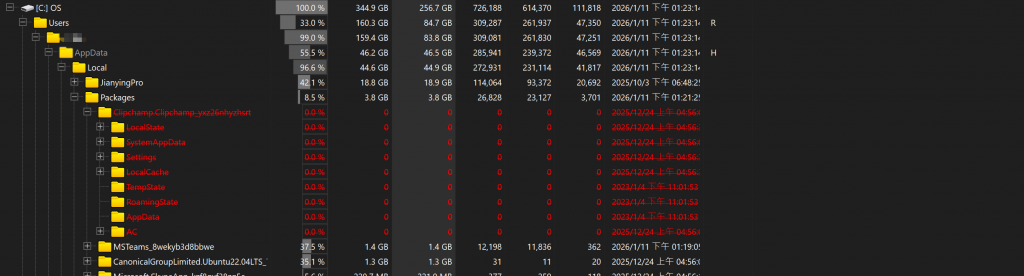
Clear Clipchamp cache files in C:/
Step 1. Search “Microsoft Clipchamp” in Windows toolbar
Step 2. Right click “Microsoft Clipchamp”, and choose Application Setting
Step 3. Find “Reset” zone , and choose “reset” to delete application data
You’ll find out some files are deleted. In my case, 12GB space is released.